
Eliminador de fondo IA
Elimina fondos de imágenes al instante con IA. Sube una foto y obtén un PNG transparente y limpio en segundos.


Sample preview — upload your image to remove its background
See It in Action
Real examples of AI background removal — original on the left, removed on the right.
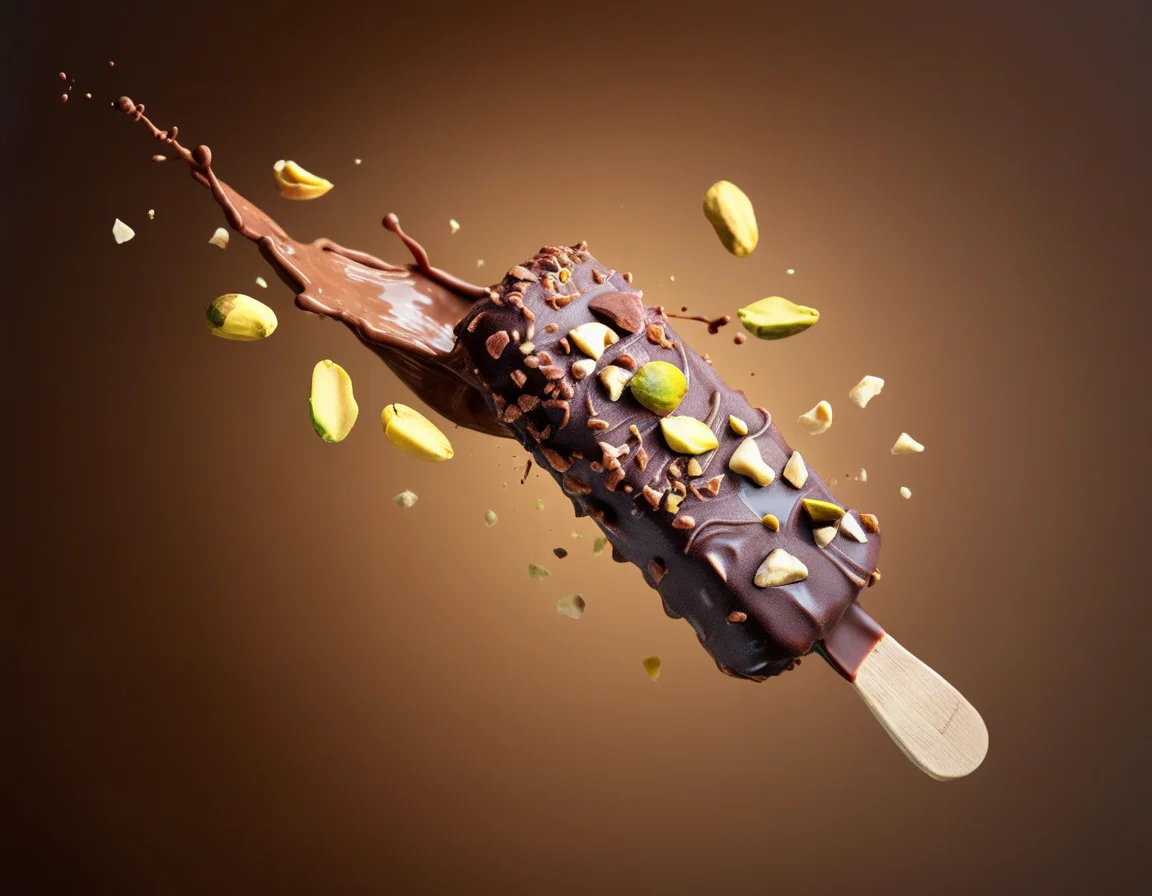 Before
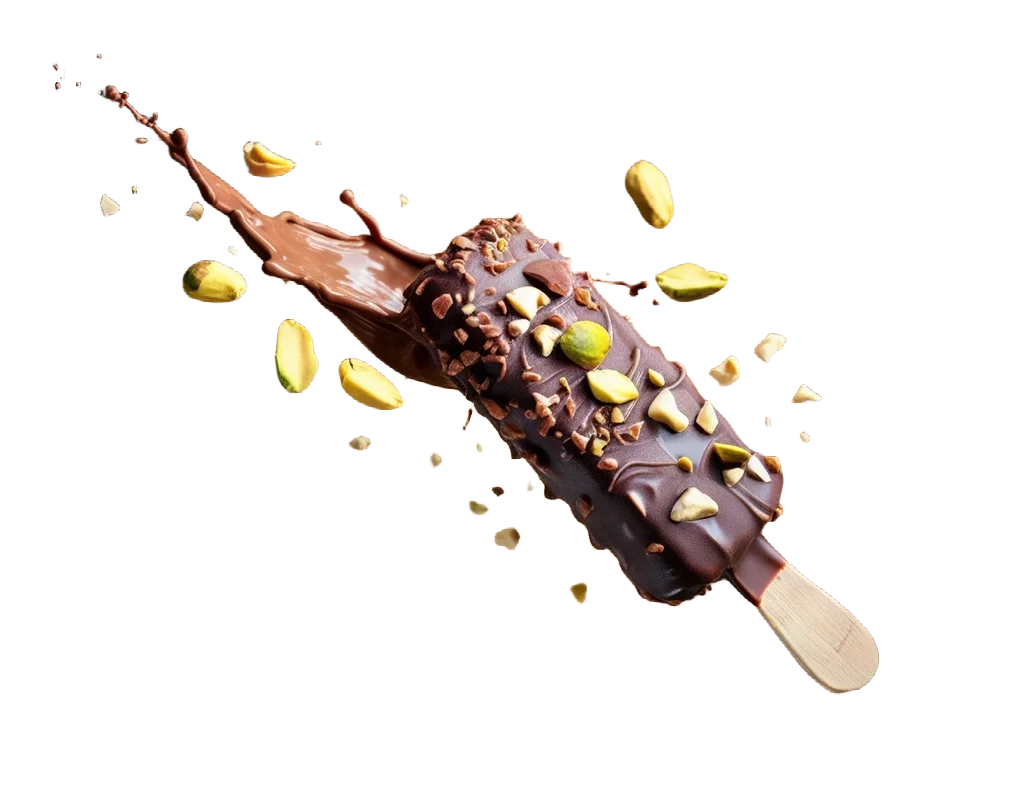 After
AfterHow to Remove an Image Background with AI
Three simple steps to remove any background — upload, process, and download.
01
Upload Your Image
Choose a JPG, PNG, or WebP image from your device. Works best with product photos, portraits, and objects with clear subjects.
02
AI Removes the Background
The AI model automatically detects the subject and removes the background, generating a clean transparent PNG.
03
Download the Result
Preview the result and download your transparent PNG for use in ecommerce, social media, design projects, or presentations.
What Can You Do with AI Background Remover?
Remove backgrounds from any image — products, portraits, objects, and more.
Product Photo Backgrounds
Remove backgrounds from ecommerce product photos for clean white or transparent backgrounds on marketplaces and stores.
Portrait Background Removal
Remove backgrounds from headshots, profile photos, and portraits for professional use or creative projects.
Transparent PNG Export
Get clean transparent PNG files ready for use in design tools, presentations, websites, and marketing materials.
Social Media Cutouts
Create clean subject cutouts for Instagram, TikTok, YouTube thumbnails, and other social media content.
Design Asset Preparation
Prepare clean cutout assets for use in Figma, Photoshop, Canva, and other design tools.
Batch Background Removal
Process multiple product or portrait images quickly for ecommerce catalogs, lookbooks, and marketing campaigns.
AI Background Remover FAQ
Common questions about AI background removal — answered.
What types of images work best?▾
The tool works best with product photos, portraits, animals, and objects with clear subjects against distinct backgrounds.
What image formats are supported?▾
JPG, JPEG, PNG, and WebP images are supported for upload.
What is the difference between Standard and Priority?▾
Standard uses a queue-based model at 1 credit. Priority uses a faster dedicated model at 5 credits for instant results.
Will the edges look clean?▾
The AI is designed to produce clean edges around subjects. Results may vary depending on image complexity and background contrast.
Can I use the result for ecommerce?▾
Yes. The transparent PNG output is suitable for product listings on Amazon, Shopify, Etsy, and other ecommerce platforms.
Does it work on hair and fur?▾
The AI handles hair and fur reasonably well, though complex or very fine details may vary in quality.
Can I use the result in design tools?▾
Yes. The transparent PNG can be imported into Figma, Photoshop, Canva, Illustrator, and other design applications.
AI-Powered Background Removal